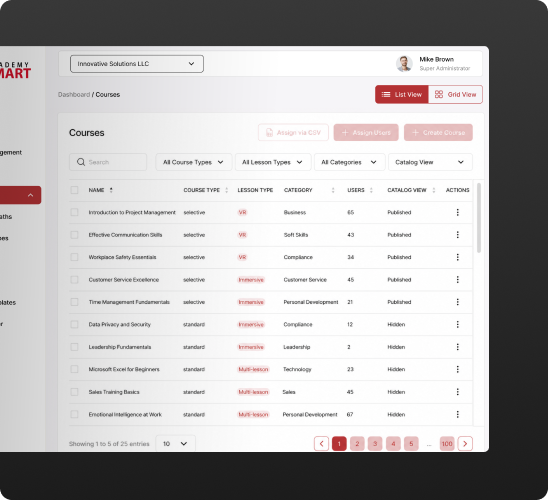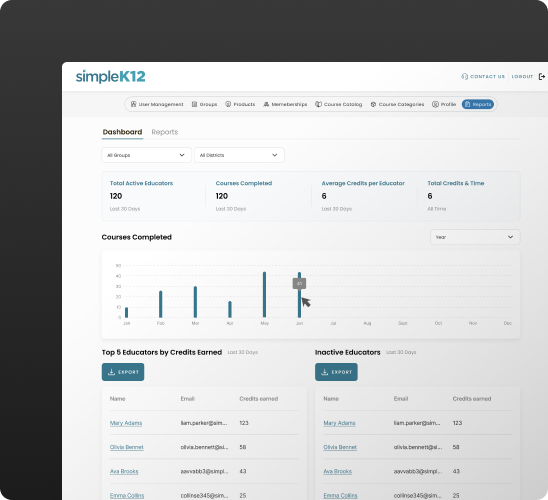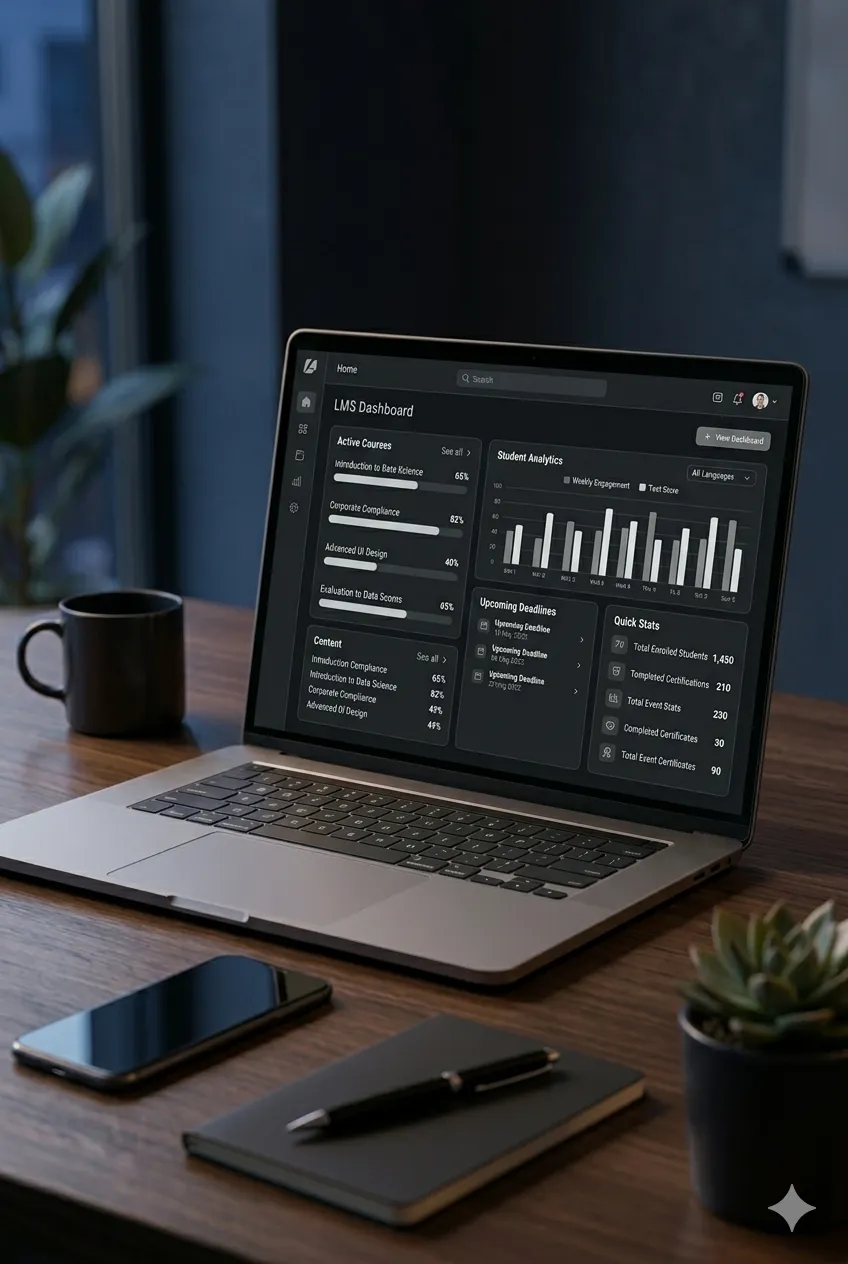

What’s your starting point?
Most teams land in one of these three.
No mobile app
Learning is only available in a browser, with no reminders, offline access, or native experience.
An app, but not yours
Your LMS vendor has a basic app, but it lacks custom functionality or white-label features.
App that doesn't talk to your LMS
The app doesn't know what learners completed. Now you're keeping two systems in sync by hand.
Native mobile app, built to work with your LMS
Delivered by the team building LMS solutions since 2009.
Built natively, offline-capable
Works without signal, sends push notifications, and is responsive.Connected with your LMS
Native app under your name in the app store, working in sync with your LMS.Full ownership, no lock-in
The code, the data, the app all yours after delivery. You’re not dependent on us.Types of mobile learning apps we build
Microlearning apps
01Gamified learning apps
02Video-based learning apps
03Simulation-based learning apps
04Assessment & testing apps
05Workplace/enterprise training apps
06Course/content delivery apps
07Coaching & mentorship apps
08For learners, admins, and instructors
Learning apps built for what each role needs to do.
Mid-shift, on-site, or somewhere without reliable WiFi, learning shouldn't depend on being at a desk. The app works offline, syncs when there's signal, and only shows what a learner needs with no admin clutter and distractions.
- Offline mode, syncs when back online
- Push notifications for new courses and deadlines
- Gamification: points, badges, progress vs. peers
- In-app help requests straight to admins
You don't need to be on mobile to stay in control. Manage everything from the web while your team trains from their phones.
- Role-based access
- Content and course management from the web dashboard
- Secure authentication (SSO-ready)
- Completion and certification tracking
Your team trains from the app. You see the results without needing to be on it yourself.
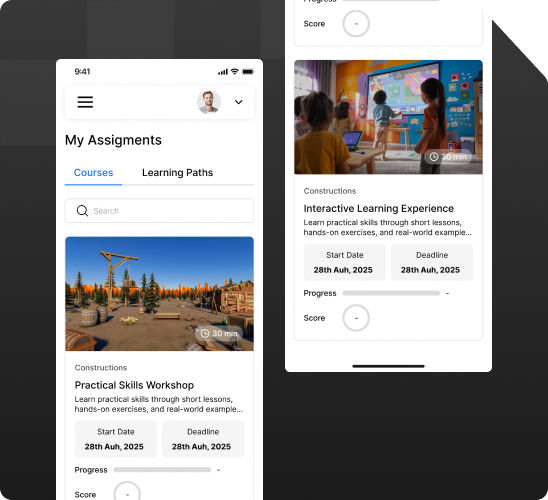
- Team-level progress dashboards
- Drop-off points: which module, which learner
- Re-engagement data: what's getting rewatched and skipped
Your mobile learning app, live in weeks
Here’s how we work.
Free strategy call
30 minutes to talk through what you need: learner-only or admin access too, offline mode, what your LMS (if there’s one) already supportsDiscovery
We look at your LMS (or map out your learning flows if you're building one with us), figure out what the app needs to do, and give you a fixed-price quote.Design and architecture
We design the native iOS and Android build, plan how it connects to your LMS, and map out what each role (learners, admins, managers) sees.Build and test
We build the app and test it the way it'll be used: offline, on real devices, with your real data.Launch and support
We handle the App Store and Google Play submission, hand over documentation, and offer ongoing support if you want it.Trusted by training providers and regulated organizations worldwide
Check out what they have to say about working with Academy Smart.

Why teams trust Academy Smart
We build apps that connect to your LMS and stay working as it evolves.
15+ years of LMS expertise
…across corporate training, certification, and regulated organizations. We've seen edge cases and dealt with them.LearnUpon Professional Partner
We work with the platform's APIs. This means faster delivery and integrations that don't break when LearnUpon updates.One team, one architecture
We build your LMS and your app together, so there's no API workaround holding the mobile experience back.Fixed price, no surprises
You get a scoped, fixed-price quote before any work starts, not an estimate that grows as the project does.How long will it take to build an app?
Roughly 8-12 weeks if you're connecting to your existing LMS. If you're building a custom LMS with us, the app is built alongside it, within the same 6-7 month timeline.
What does a mobile learning app cost?
A companion app for your existing LMS typically runs $17K-$35K depending on scope. If you're building a custom LMS with us, the app is part of that project, not a separate cost. We'll scope and quote either way before you commit.
Can the app work offline?
Yes. Offline mode is one of the most requested features we build. Learners can access content without a connection. Progress syncs automatically once they're back online.
Who gets access to the app: just learners, or admins and managers too?
Whoever you need. Most clients want learner-only access on mobile, with admins and managers managing things from a web dashboard instead. We can also build manager or admin views into the app if you want them there.
Will our SCORM content display properly on mobile?
We test for this specifically. SCORM was built with desktop in mind, so we adapt how it displays and behaves on a smaller screen rather than just shrinking it down.
Do we own the code you write?
Yes. We hand over all the custom code we write with complete documentation. You're free to expand it, change it, or hand it off to another developer.