
LMS MIGRATION SERVICES

4.9 / 5 Clutch rating
Migrate your LMS without downtime or data loss

Safe migration from SaaS, open-source, or legacy LMS with your learning data intact.

15+Years in LMS development
500+Successful implementations
ISO 27001Certified
Time to move

You know it’s time to move

The longer you stay, the more it costs.

Your business runs differently…

You require a solution built around the way you work. And you’re ready for a custom platform tailored to your workflows and learners.

You're on Moodle…

And it turned into years of plugins, workarounds, and code nobody wants to touch. Funny thing for a free platform.

You're on a legacy system…

And it barely works. There's no vendor support, no API, and the one person who understands it could leave tomorrow.

Our approach

Migrating doesn't have to be a big-bang project

Academy Smart handles migration as a controlled transition. Your old LMS stays live until the new one is validated. Your learners keep training throughout, and your data moves over intact.

Up to 100 hours of free migration

Users, groups, SCORM packages, and completion history all moved.

Learners uninterrupted

Training continues on your existing platform while the new one is being built.

You decide when to switch

We don't cut over until you've tested the new system and signed off on it.
Scenarios

Migration scenarios we handle

How we approach migrations from the platforms our clients are leaving behind.

01Open-source → Custom LMS

We audit your Moodle setup, separate the logic worth preserving from technical debt, and rebuild it on a modern stack.

What you get
  • Custom logic rebuilt properly, not patched over
  • Plugin dependencies mapped and resolved before cutover
  • Moodle data structure translated to new LMS
02Legacy → Custom LMS

We extract your data however it exists (database dumps, spreadsheets, manual records), normalise it, and map it to your new LMS’s structure.

What you get
  • Records extracted regardless of format or age
  • Every data source documented and accounted for before migration starts
  • Old system decommissioned only after every record is verified in the new one
03LearnDash → Custom LMS

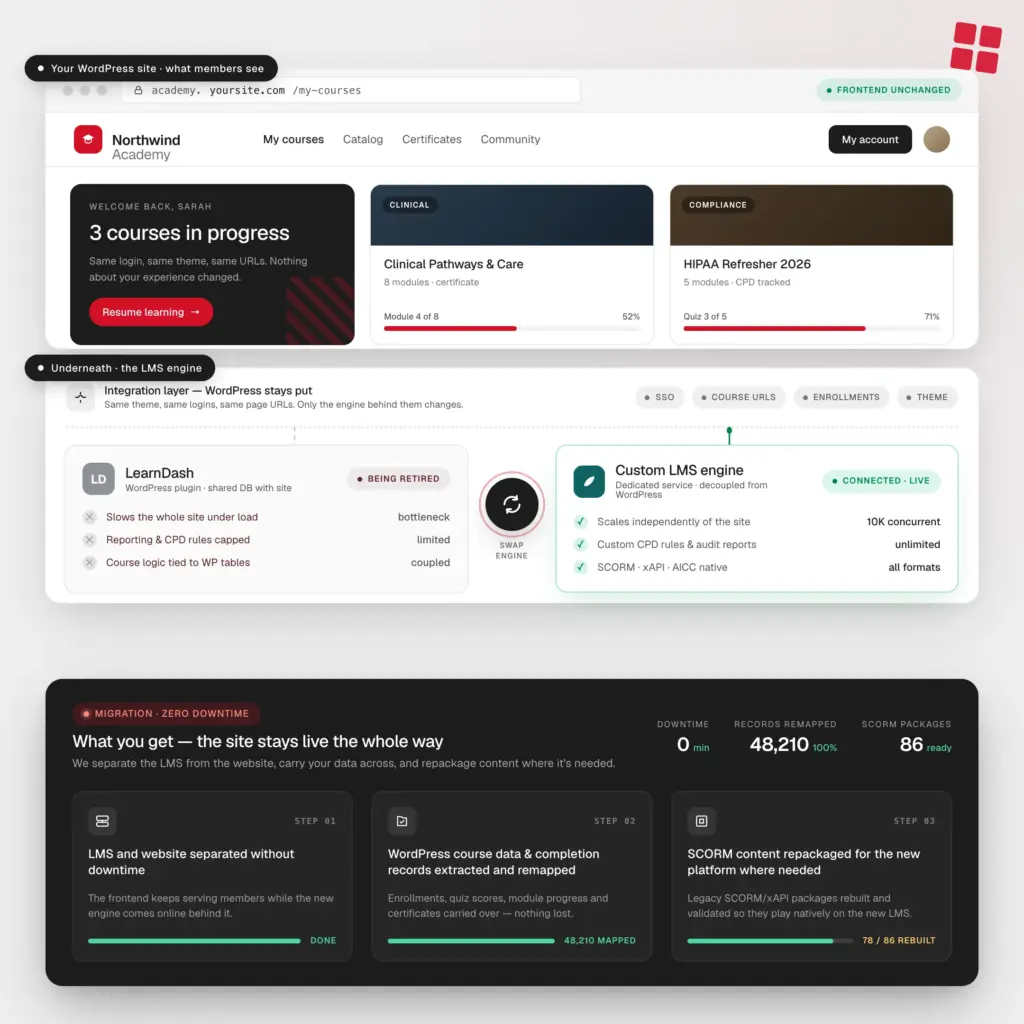
We build a dedicated LMS that runs behind your existing WordPress frontend. Your members log in the same way, see the same experience, and never notice the switch.

What you get
  • LMS and website separated without downtime
  • WordPress course data and completion records extracted and remapped
  • SCORM content repackaged for the new platform where needed
migration / moodle
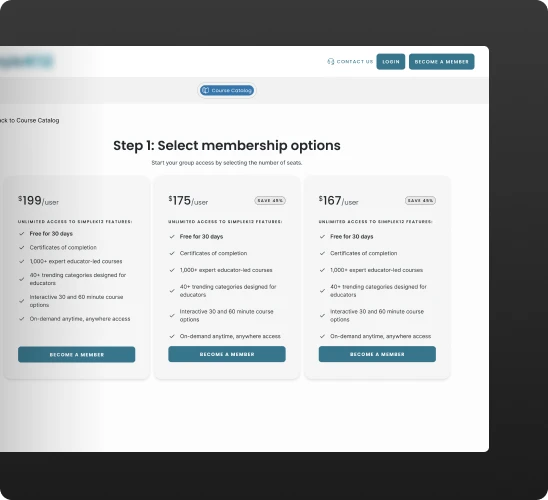
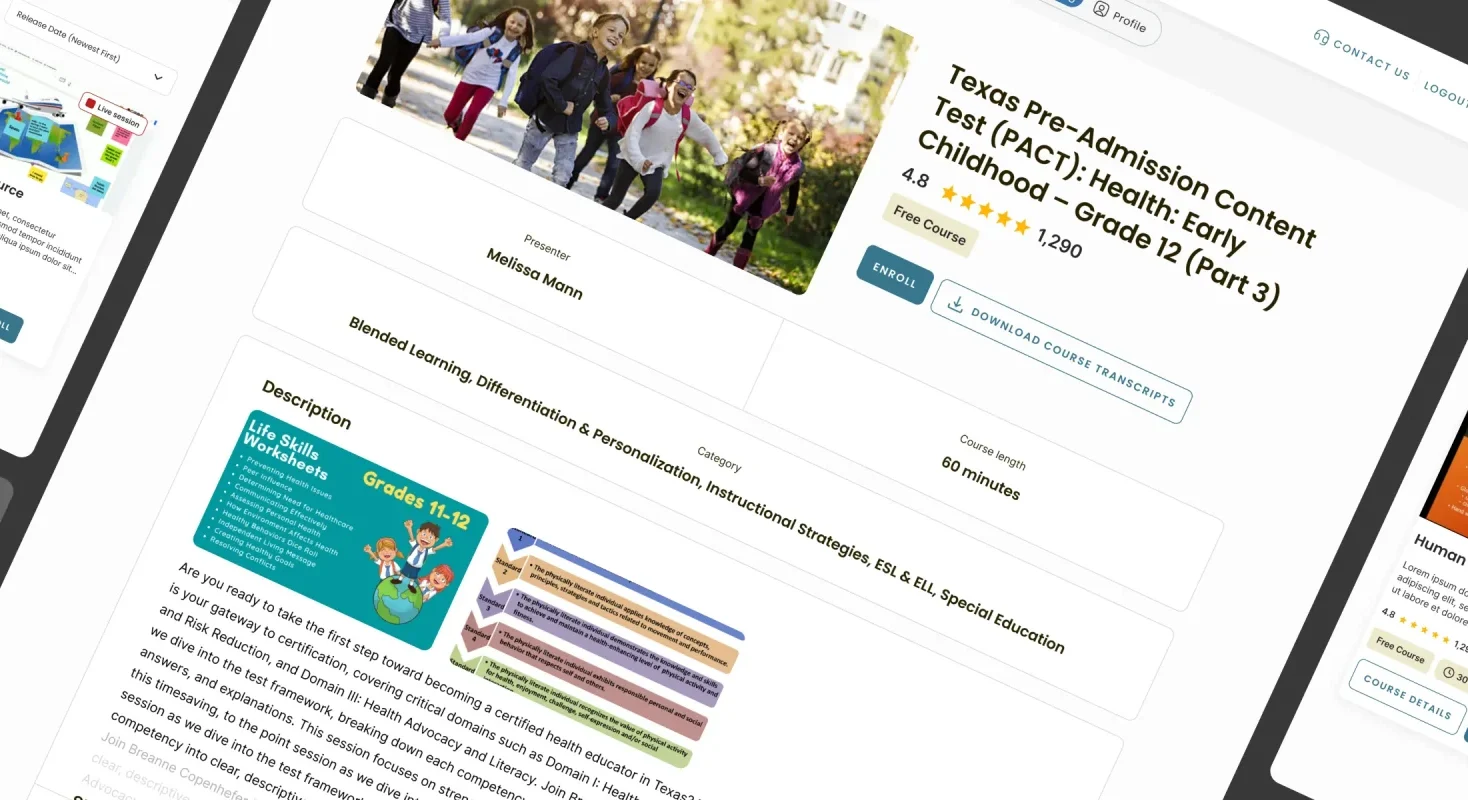
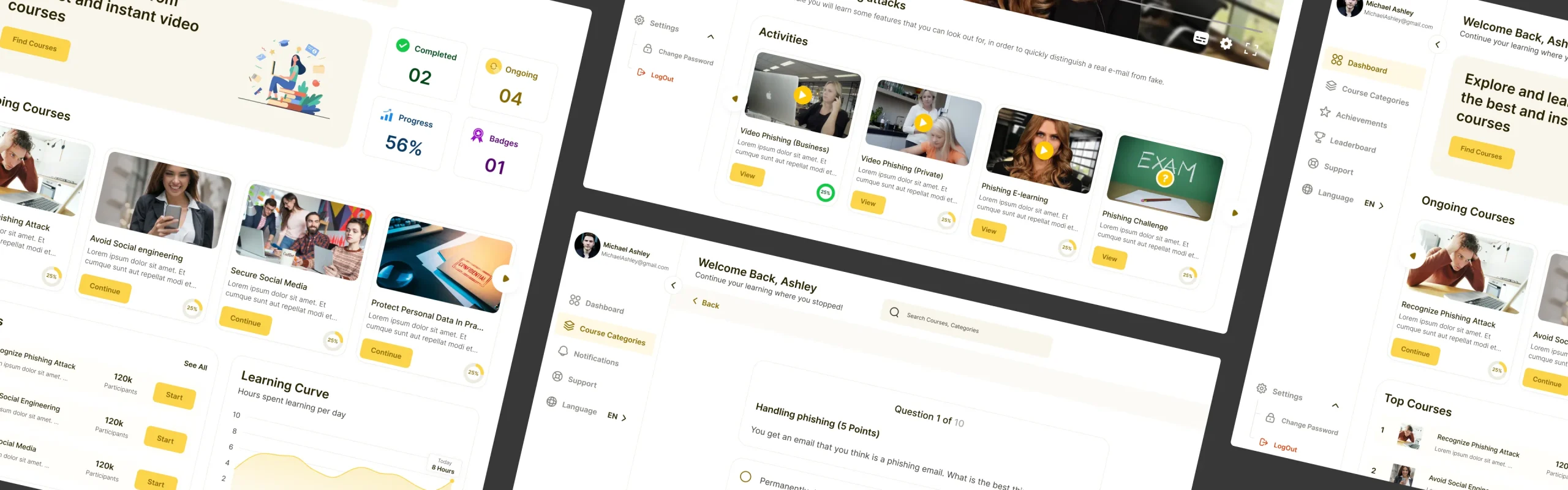
Membership options page in the migrated learning platform
Custom logic rebuilt properly, not patched overPlugin dependencies mapped and resolved before cutoverMoodle data structure translated to new LMS
How it works

Your LMS migration, done in phases

Here's how we move you over.

Step 01

Free strategy call

We run a 30-minute consultation to understand your case.

What we'll cover:
  • Which platform you're migrating from
  • What's driving the move
  • What data needs to move
  • Rough timeline and budget
Step 02

Discovery

We go through your current platform, data structure, custom logic, and integrations.

What you get:
  • Full audit of current LMS data and architecture
  • Fixed-price quote
  • Scope of what moves, what gets rebuilt, and in what order
Step 03

Migration design

We design your new LMS and plan how the migration will run.

What you get:
  • Technical design document
  • Zero-Downtime LMS Migration Path
  • AI-Readiness Stack assessment, so your new platform is built for what's coming
  • Security and compliance review
Step 04

Build and validate

We build the new LMS and run both systems in parallel.

What you get:
  • New platform live in staging with your real data
  • Completion records, certificates, and progress verified before go-live
  • Your team signs off before anything switches
Step 05

Switch, retire, support

We move traffic over in stages and switch off the old system once everything checks out.

What you get:
  • Phased cutover, no big-bang switch
  • Full documentation handed over to your team
  • Optional ongoing support available

Ready to find out what your migration involves?

We offer a free audit. Talk to our LMS expert to see what’s possible.
Book a free LMS auditBook a free LMS audit

Trusted by training providers and regulated organizations worldwide

Check out what they have to say about working with Academy Smart.

“Sometimes it felt like a whole army was working for us, and that felt great.”

Alain Rees
Alain Rees
CEO, Cyber ​​Inc.
“The experience has been exceptional from start to finish.”
 Nicole Luque
Nicole Luque
L&D Manager, IMarEST
"The process of working with Academy Smart has been very smooth."
Justin Weber
Justin Weber
CTO, Sourcetoad
"Academy Smart impressed us with their communication and project management."
Boy Blonk
Boy Blonk
CEO, NextGen Innovation
"Their versatility and can-do mentality stand out."
Willem Jacobs
Willem Jacobs
CEO, Yabbu
"The team maintains a service-oriented working style."
Vittaly Tavor
Vittaly Tavor
CEO, JFrog
"They just need to continue keeping up with technologies and doing the great work they’re doing."
Evgeny Golubov
Evgeny Golubov
CEO, Commit Offshore
"Their flexibility in compromising and ability to propose suitable solutions were commendable."
Michiel de Vos
Michiel de Vos
Head of Development, Exivity
"They were willing to work outside normal business hours and were quick to respond to me."
Oleg Rudenko
Oleg Rudenko
CEO, Volidar KG
“The talent and expertise of their staff are outstanding.”
Michael Gillespie
Michael Gillespie
CEO, BlueEQ
Academy Smart

Why teams trust Academy Smart with LMS migrations

We've moved learning platforms of every shape and size.

500+ LMS implementations

…across SaaS, open-source installs, legacy, and custom builds. We've seen the messy data, the undocumented logic, and the edge cases.

LMS Integration Partner

We work with many LMS APIs. If you're migrating to a new LMS, we can build custom integrations to minimize manual administration.

Pre-built LMS foundation

Common flows like user sync, access rules, and reporting are already solved, so we can focus on what’s specific to your business.

15 years of LMS expertise

We’ve been building LMS solutions since 2009. We know how learning systems behave with real users and data — and what to expect.
FAQ

Questions clients ask before we start

Have questions? We’re happy to help

Ask a questionAsk a question

Last updated:

How long does a migration take?

Migration is part of every LMS project we do. For most clients, it runs during the final 4–6 weeks of the build, once the new platform is live in staging and validated. How long that takes depends on how much data you have, how many systems you're moving from, and how much custom logic needs to carry over. We give you a timeline during discovery before any work begins.

What does LMS migration cost?

It's included. Every LMS project we take on comes with up to free 100 hours of migration: users, groups, course content, SCORM packages, and completion history. For most clients that covers everything. If your situation is more complex (multiple legacy systems, years of fragmented records, custom reporting logic), we flag anything outside the standard inclusion during discovery before you commit.

What do we need to provide?

We need one internal point of contact (typically someone from L&D, HR Ops, or IT) on your part who can confirm your business rules and sign off on decisions. Then, while we handle the technical work, they’ll be validating that everything matches how your organisation runs.

We built workarounds on our current platform. Will those carry over?

We check for this specifically during discovery. We document things like certificate rules, course sequencing, branch structures, and access logic based on job role or membership status. If something was a workaround on your old system, we'll often rebuild it properly so you're not carrying the same problem forward.

Will our learners lose their training history during the migration?

No. Completion records, scores, certificates, timestamps all move with you. Before we touch anything, we document what you have, agree on how it should be displayed in the new platform, and confirm every record is accounted for. If someone completed a course three years ago, that record is there on day one of the new system.

How much will learners notice during the migration? Will training be interrupted?

They shouldn't notice interruptions at all. That's the goal. We run the new LMS in parallel with your existing one (users, progress, and completions stay in sync) and only move traffic over in stages once everything is validated. The old system stays live until that moment. We've done this with 25,000+ learners at Teachers of Tomorrow without a single disruption to active training.

We're still in a contract with our current LMS vendor. Can we start planning the migration now?

It's actually the right time. Most LMS projects take 3–6 months to plan and build properly, so starting while you're still in your contract means you're ready to switch the moment it expires. We'll scope the project, agree on the architecture, and have everything ready to go when your contract ends.

Our data is a mess: incomplete records, multiple systems, some things on paper. Can you still migrate it?

Yes, and it's more common than you'd think. Most organisations come to us with a mix of clean user data, structured completion records, fragmented course history, and a mix of spreadsheets. We assess what you have during discovery, normalise what can be normalised, and agree upfront on what's worth migrating and what isn't.

Let's get you off the platform that's holding you back

Book a free consultation and we'll assess you what your migration will take.

Book a call Book a call

Your first call with us is FREE. And packed with value.

Get a 30-minute call with our LMS expert
Find out what your migration would involve
Get a scoping proposal with timeline and fixed price