



The Best LMS Systems for Continuing Education (And the One Thing All of Them Miss)

If you’re evaluating LMS systems for continuing education, the default “best LMS” listicles don’t help much.
You will see the same pricing, course creation, mobile access, and integrations covered. And truth be told, most rankings forget to tell you how well the LMS handles the compliance side of professional learning. They treat learning platforms as if delivering courses is the whole job. For organizations managing CPD, it isn’t.
In this guide, we’ll compare some of the most popular LMS platforms on CEU tracking, compliance, and audit readiness. We’ll still cover a bit of the usual stuff along the way. It would be weird not to.
TL;DR
We evaluated the best LMS systems on CPD tracking, compliance, and audit readiness.
• LearnUpon → Mature course delivery and API, but CPD rules aren’t native. For Associations, learners can self-report external training and credits.
• TalentLMS → Fast to launch and easy to run. Its native tracking focuses on courses, certifications, compliance, and activity within the LMS.
• Thinkific → Strongest at course creation and sales. Tracking covers courses delivered through the platform itself.
• LearnWorlds → Highly branded, solid reporting. Everything it tracks is scoped to courses run inside the platform.
• Absorb → Automation on renewals and onboarding. A learner or admin can add external training themselves.
• iSpring Learn — Fast rollout, built for PowerPoint-based content. External courses and certifications go in manually, with documents attached.
• Moodle — Highly customizable, but compliance features live in the Workplace tier, available through certified partners. It sees what happens inside Moodle.
An LMS covers about 20% of what counts as CPD. The other 80%, everything external, stays invisible to the system of record. We call that the CPD Visibility Gap.
If you’re weighing a platform switch because of a CPD gap, don’t rush. You can add a lean CPD layer to your current LMS.
How we compared learning management systems for continuing education
We didn’t score these platforms on the standard feature list. Plenty of other roundups already do that, and do it fine. Instead, for each platform, we asked the following questions:
What is it good at?
If a platform has real strength, like better reporting, stronger integrations, a cleaner admin experience, we’re saying so. Even for platforms that fall short on CPD later.
Who should use it and who shouldn’t?
Every LMS has a target audience. A platform built for selling courses has different priorities from one supporting regulated professional education. We’ll make those distinctions clear so you can see whether a platform fits your needs.
What happens to the data that doesn’t come from inside the platform?
Picture someone’s CPD year. A course inside the LMS in January. A conference two hours away in March. The platform only saw the January part. The rest lives in an inbox or someone’s memory until an audit asks for proof. We checked how much of that each platform can pull in without sending you back to spreadsheets.
With that said, here’s the list.
8 LMS platforms for continuing education, judged on more than features
We’ll start with LearnUpon, the platform we know best. Academy Smart is a LearnUpon partner, after all.
LearnUpon
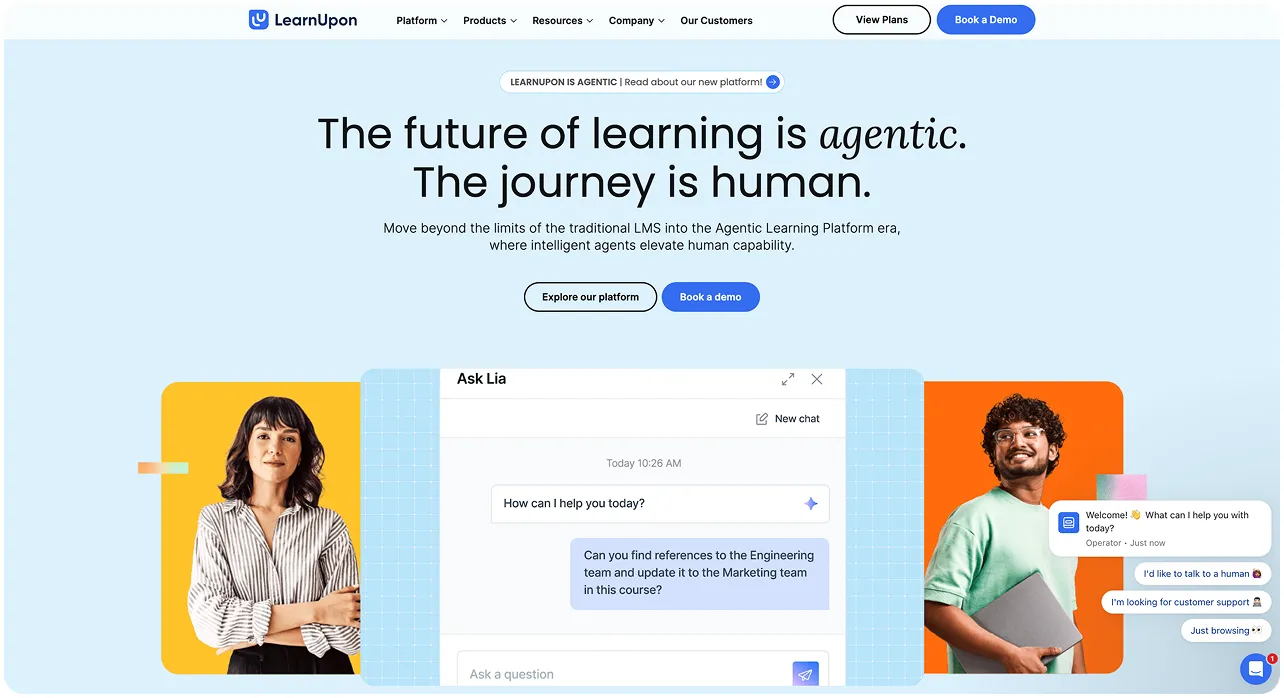
LearnUpon is a mature, well-built SaaS LMS with a clean admin experience and strong multi-portal support for organizations training different audiences. It integrates with HRIS, CRM, and other business systems. If you need something the platform doesn’t cover out of the box, the API gives you room to build custom integrations or add custom modules.
Not long ago, LearnUpon introduced its Agentic Learning Platform. Now, AI takes over many of the administrative tasks LMS teams used to handle manually. AI agents help create courses, auto-generate assessments, and surface personalized learning recommendations.
Best for: Organizations that want a mature cloud LMS with strong integrations and room to customize through APIs.
Not the best fit for: Small teams that need a simple LMS without enterprise-level features and costs.
What happens to learning outside the LMS?
LearnUpon for Associations lets learners log external training and route it for approval. For the CPD rules on top of that activity, our CPD Dashboard plugs into LearnUpon and adds that layer.
Docebo
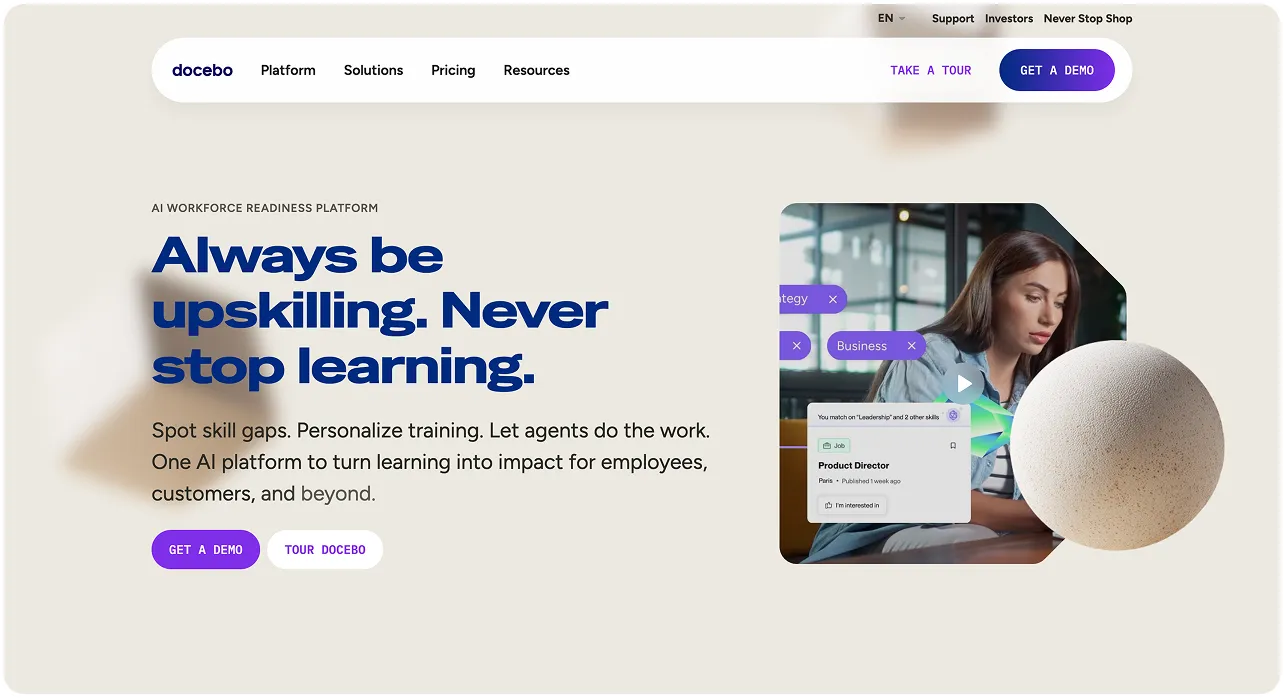
Docebo combines traditional course delivery with AI-powered content creation, skills development, and workflow automation. Like most modern LMS platforms, it leans on AI agents to support learners and lighten the load on admins.
On the compliance side, Docebo automates enrollment and certification tracking, sends renewal alerts before a certification expires, and reports on compliance status in real time. Yet, external training is added manually.
Best for: Organizations that want one platform for employee, partner, and customer learning, with the potential to automate and scale.
Not the best fit for: Companies with straightforward training needs that won’t use advanced automation or AI features.
What happens to learning outside the LMS?
Learners can log an external course or conference, upload a certificate, and send it for approval. From there, Docebo records it alongside the rest of the learner’s training history. The CPD Dashboard our team built plugs into Docebo natively, syncing completed courses in real time and adding the CPD rules and audit trail on top.
TalentLMS
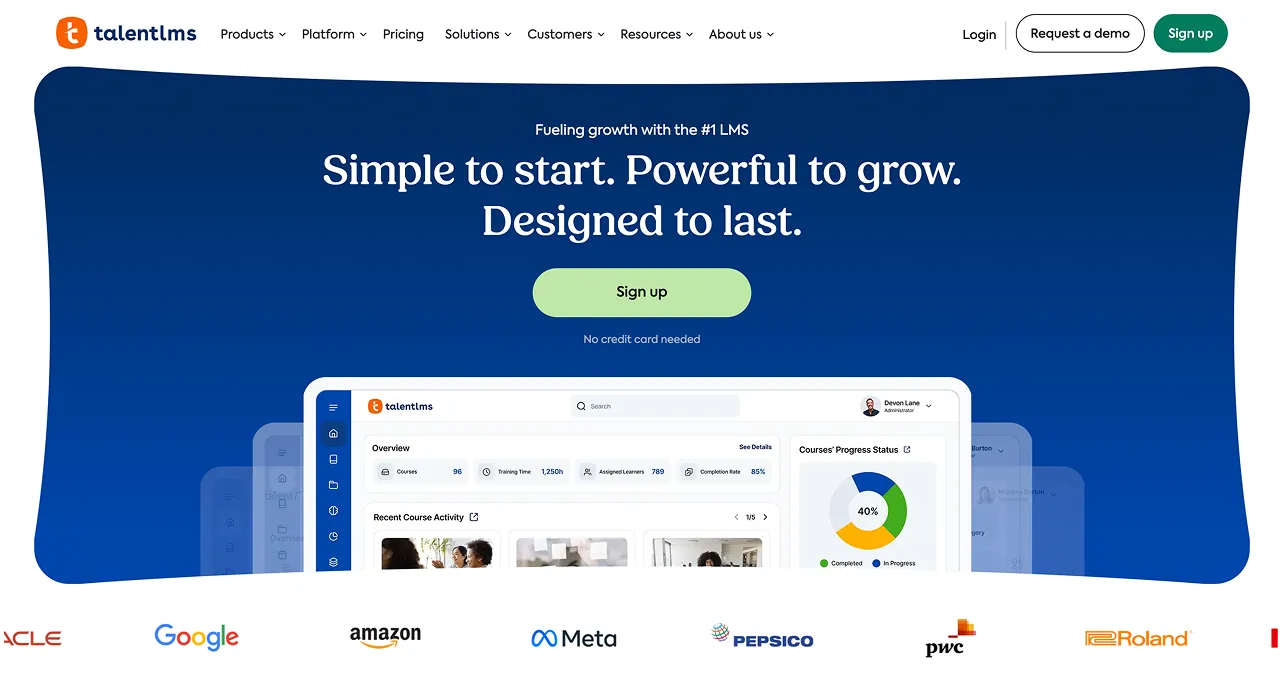
TalentLMS is built for speed and simplicity. Non-technical teams can set it up and run it without waiting on IT. Simple doesn’t mean thin, though. Branches (independently branded training portals) let you run separate portals for employees, customers, and partners from one account.
Compliance-wise, TalentLMS auto-assigns courses by role, location, or hire date, and sends reminders before deadlines. The system also regenerates certificates on a schedule that matches whatever regulatory cycle you set.
Best for: Small to mid-sized teams that need a working LMS fast, without a dedicated admin to run it.
Not the best fit for: Organizations with highly customized learning workflows or complex compliance requirements.
What happens to learning outside the LMS?
TalentLMS focuses on learning that happens inside the platform. External training isn’t part of the core workflow, so if external courses or other CPD activities need to count, you’ll need to manage those records separately.
Thinkific
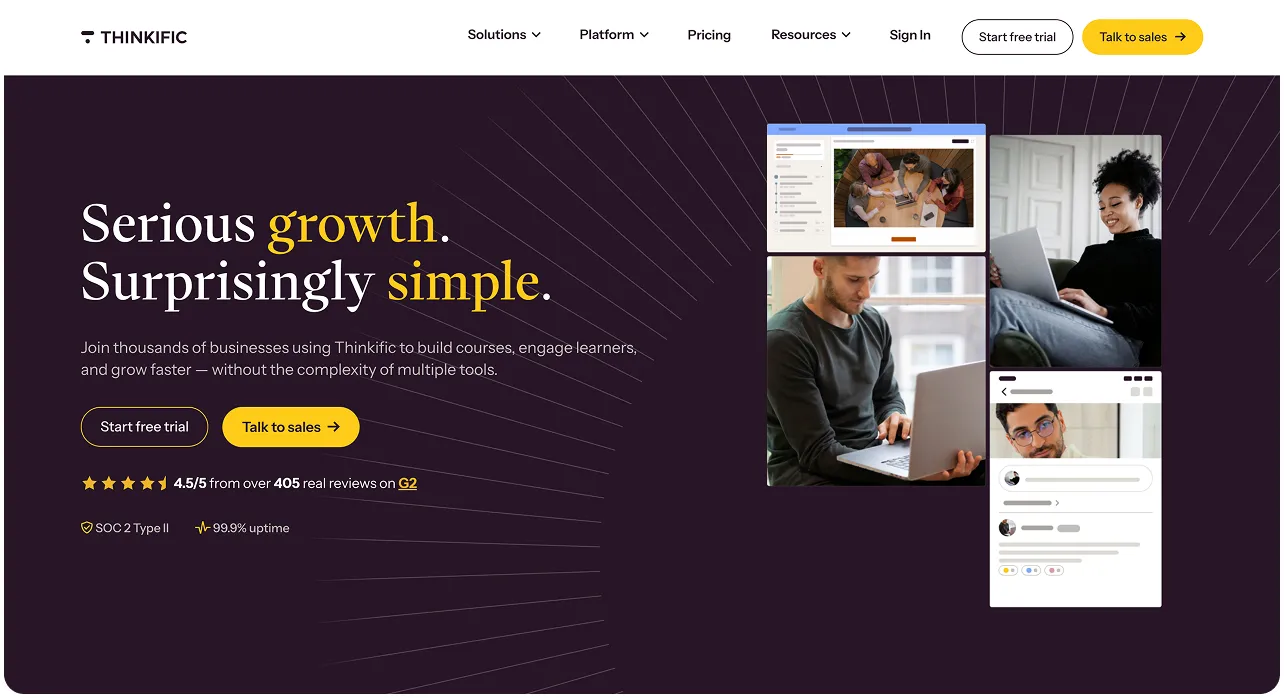
Thinkific helps creators and businesses turn their knowledge into online courses. You can build a branded learning site, accept payments, create memberships and communities, and manage your content without touching code. It also includes certificates, assessments, and completion tracking for organizations that need proof a course was finished.
Compared with enterprise LMSs, it prioritizes the learner experience and running an education business over internal training.
Best for: Training providers, consultants, associations, and businesses that sell courses or certifications online.
Not the best fit for: Organizations looking for a corporate LMS with advanced employee training and compliance workflows.
What happens to learning outside the LMS?
Thinkific has no answer for this. Sequencing, timing, pass marks, and certificates. All of it lives inside the platform. Step outside it, and Thinkific stops looking.
LearnWorlds
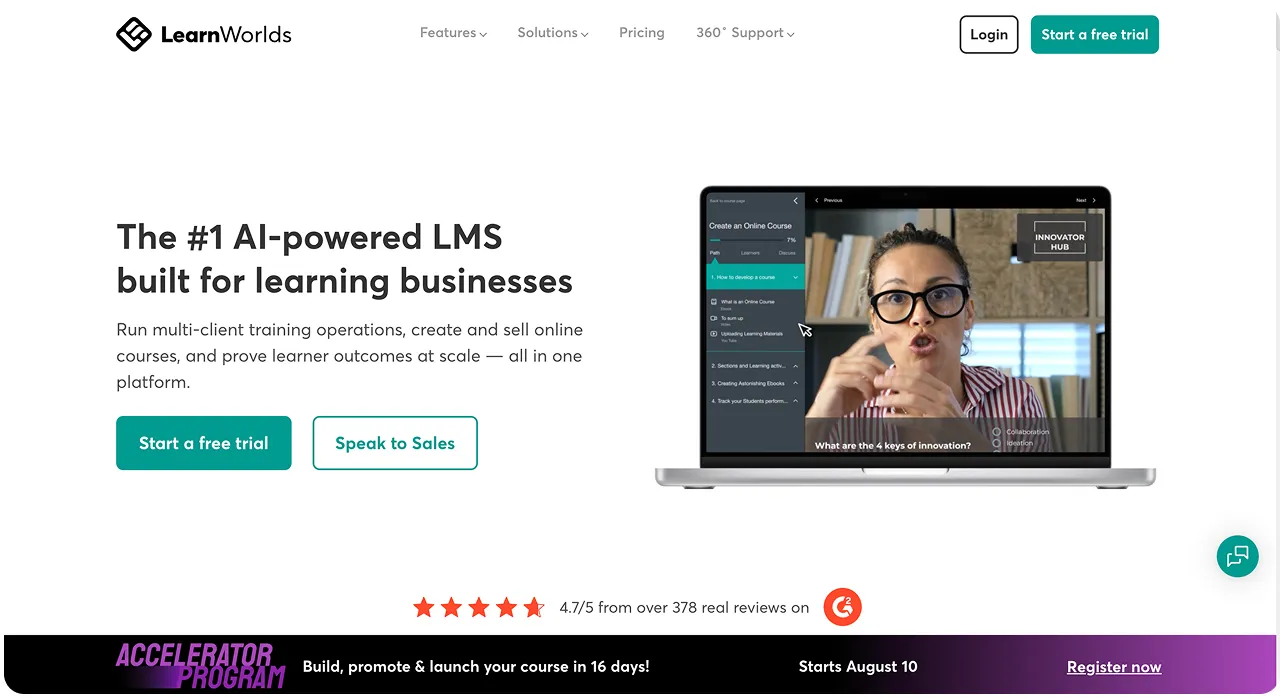
LearnWorlds sits between Thinkific and a traditional enterprise LMS. It still targets course creators, but gives them more ways to make courses interactive. You can add quizzes, forms, notes, highlights, and build clickable videos.
If you already have SCORM or HTML5 courses, you can bring those over, too. The platform also handles learner tracking, certificates, role-based access, and reporting.
Best for: Organizations seeking a branded learning experience with robust reporting and certification features.
Not the best fit for: Teams that need something simple and fast. The branding and customization that make LearnWorlds strong come with more setup than lighter platforms on this list.
What happens to learning outside the LMS?
Everything LearnWorlds tracks, like certificates, renewals, and audit logs, is scoped to courses delivered inside the platform. Nothing in its official materials describes a way to log a conference or an outside certification.
Absorb
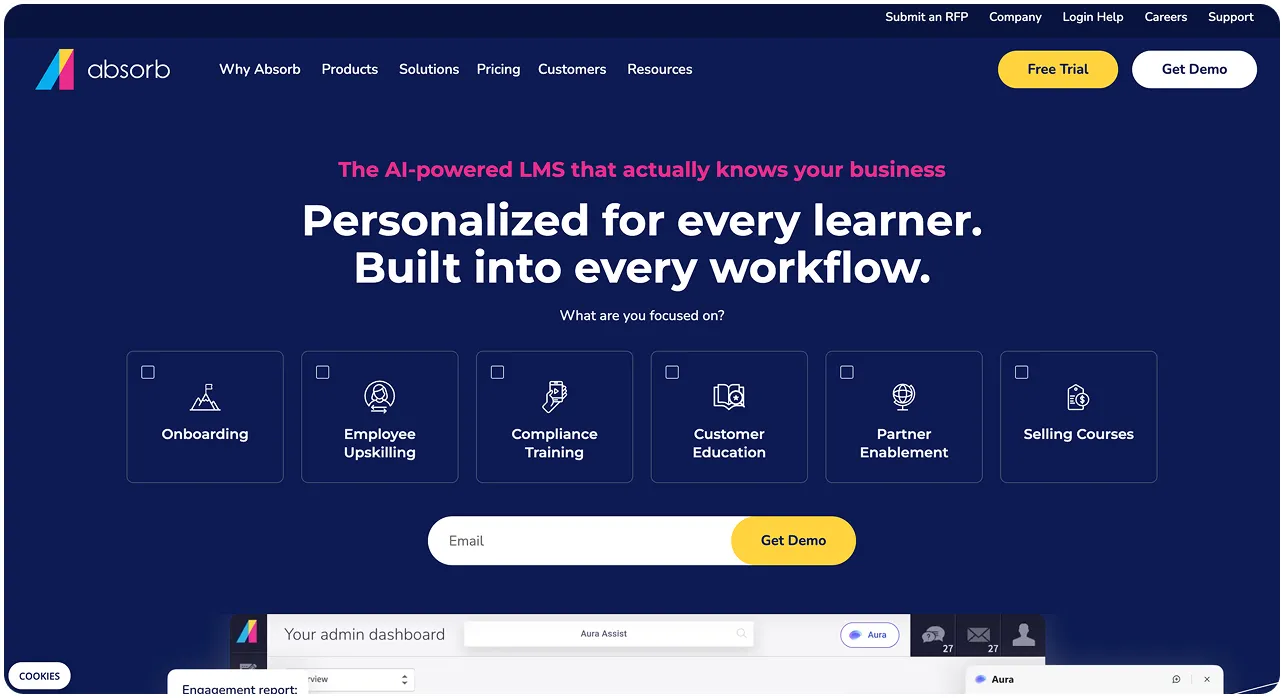
Absorb is an enterprise-oriented LMS with a focus on automation, compliance, and learner experience. AI is part of that picture, mainly around course creation and admin tasks. For example, building a course used to take an average of 49 hours, and its AI tools cut that down to a few minutes.
Among other areas, there’s also compliance training. Here’s how it works. When someone’s certification is about to expire, the system notices and enrolls them in the retraining on its own. Nobody has to check a spreadsheet or send a reminder. New hires get the same treatment for onboarding. Admins can see compliance status any time, and if you’re starting from scratch, Absorb offers a library of ready-made compliance courses, covering GDPR and OSHA.
Best for: Larger organizations running compliance across multiple regions or departments.
Not the best fit for: Small teams with one straightforward compliance requirement, where this much automation solves a problem they don’t have yet.
What happens to learning outside the LMS?
Absorb can store external training records, certificates, and continuing education credits. Those activities still have to be added to the platform, either by learners or administrators, before they become part of a learner’s record.
iSpring LMS
iSpring built its name as a course-authoring tool before it became a full LMS. Its authoring product, iSpring Suite, still exists on its own, turning PowerPoint decks into SCORM courses.
For organizations running compliance training, iSpring can automate recurring enrollments, send certificate expiration reminders, and report on completion status across teams.
With iSpring, you set a training-point target once, and managers can see who’s on track and who’s falling behind. Reports are easy to pull and filter by role, department, or status. Version history shows which policy or course version each employee reviewed and when.
Best for: Organizations that already use iSpring Suite or want a straightforward LMS that’s easy to roll out and manage.
Not the best fit for: Companies with complex training requirements, or ones without existing PowerPoint-based content to build from.
What happens to learning outside the LMS?
iSpring can keep records of external training. Learners or administrators can add completed courses, conferences, or certifications and attach supporting documents.
Moodle
Moodle is open-source, so the core platform is free. But “free” doesn’t mean it’s ready for compliance training. Those features sit in Moodle Workplace, a separate product available through Moodle Certified Partners and Service Providers.
Once set up, Workplace handles the day-to-day compliance work. Certifications have set validity periods, rules assign the right certification based on a learner’s role, and automated reminders flag upcoming renewals.
Best for: Organizations with in-house technical resources willing to invest in ongoing plugin development and maintenance. If that sounds like more commitment than you want, take a step back and ask whether you need to build or buy an LMS at all.
Not the best fit for: Teams that want compliance tracking right now. Core Moodle doesn’t include it. Workplace requires a partner relationship to implement.
What happens to learning outside the LMS?
Even with Workplace in place, Certifications, one of Moodle’s core features, only tracks programs completed inside Moodle. External activities, such as conferences or third-party certifications, don’t have a native CPD logging workflow out of the box. Moodle is highly configurable, so a technical team could theoretically build something for this.
Every platform above delivers professional education. Several of them can even store external certificates. Whatever that is, it isn’t full compliance.
Storing data is not the same as determining compliance
A real CPD compliance system takes every activity a learner completes, including the ones finished outside the LMS. It applies the right rule to that specific learner, keeps the evidence, and provides a clear record when an auditor asks why someone was compliant.
Let’s be honest, the eight platforms above deliver courses and track completions. But CPD compliance adds another layer. It covers role-based hour targets, mandatory categories, approval for self-funded courses, external evidence, and an audit trail.
So most CPD records, even at organizations running the most reputable platforms, still rely on paper, some Excel, and half-digital patchwork. There’s a reason for that pattern, and it has a name – the CPD Visibility Gap.
The CPD Visibility Gap: What your LMS doesn’t see
The LMS accounts for the courses completed inside the platform; it’s around 20% of what counts as CPD. The remaining 80%, like external conferences and on-the-job learning, happens outside the system of record. And stays invisible to it.
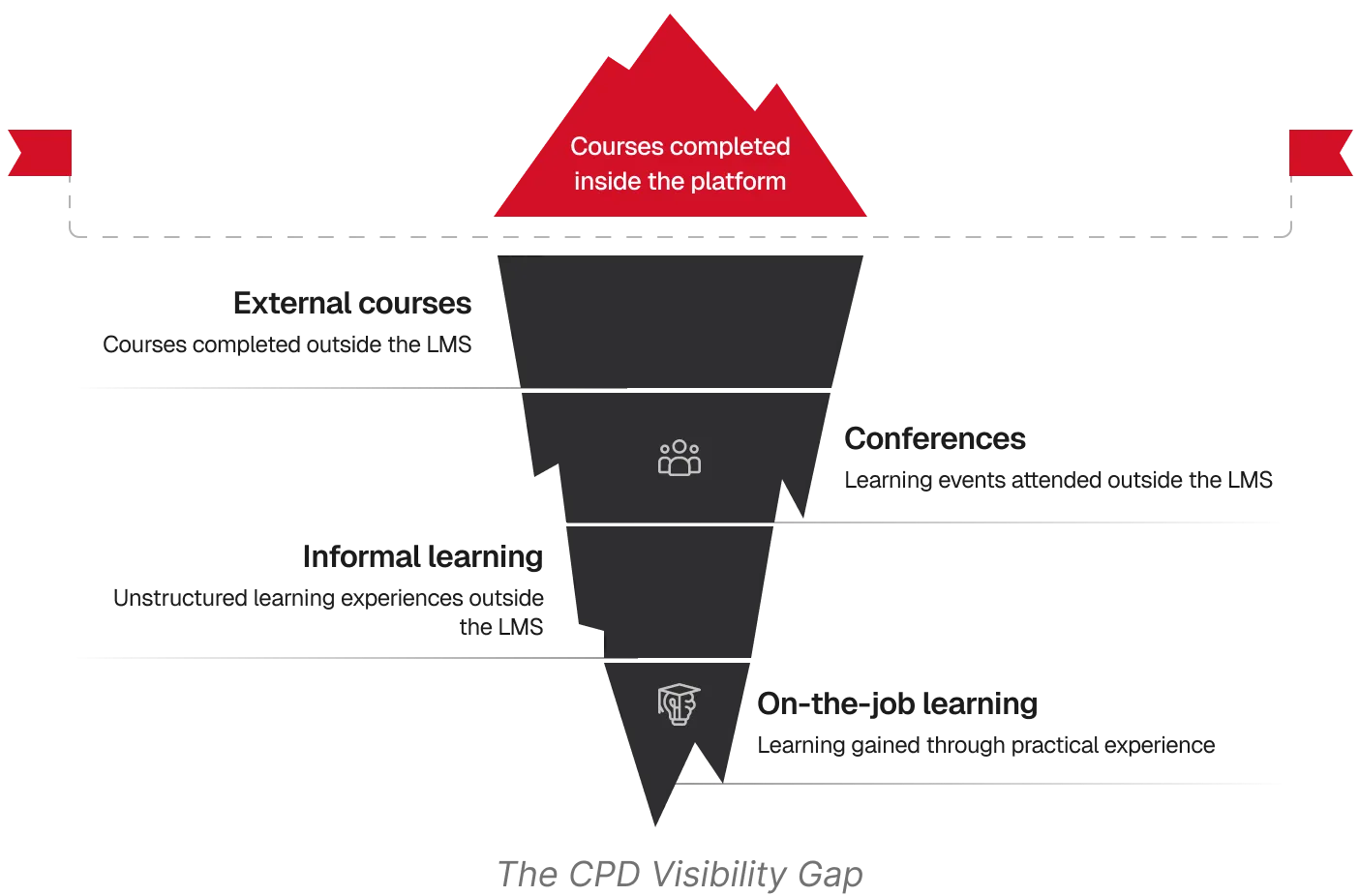
When learning records are spread across different places, compliance teams have to fill in the blanks themselves. They sort activities into the right categories and chase missing certificates for hours. Sound familiar? One of Ireland’s leading corporate law firms thought so too.
Adding CPD compliance tracking in 2 months
Our client, a well-established law firm, ran on LearnUpon. The platform handled course delivery well, but CPD compliance required more than tracking completions. The firm needed a way to apply different requirements by role and category, and to capture activities that happened outside the LMS.
We helped them add a dedicated CPD layer alongside LearnUpon, connected through the LMS API. It synced users, groups, and course completions in real time, while adding the rules needed to manage complex CPD requirements. Within two months, the firm had a system that could handle an annual hour target alongside category-specific minimums, such as professional development and client care, without the rules conflicting.
As a result, the firm didn’t have to replace LearnUpon. They kept the platform their team already knew, and added the compliance layer it was missing.
You might not need a new LMS either
Replacing an LMS is a big decision. If content delivery already works, why should you decide on a full switch?
A lean CPD layer can sit alongside your existing LMS and handle the compliance work. You keep the system your learners are already used to and close the visibility gap without rebuilding your entire learning environment.
Add a CPD layer or switch platforms, either way, you need to know how much of your CPD record sits outside your system of record. Take the CPD Visibility Gap Self-Audit to see what’s missing from your current setup.