



Jump to a section
Everything you need to stay compliant
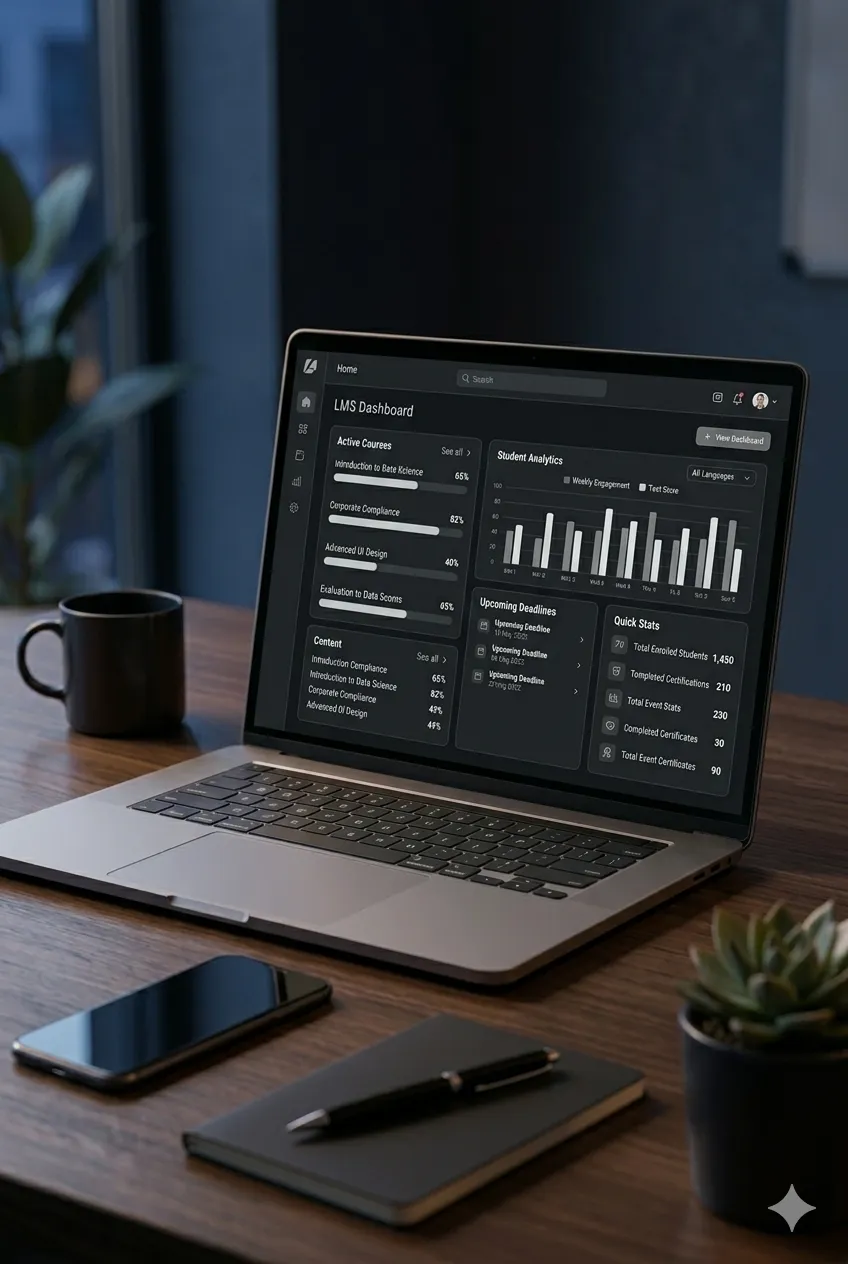
Dashboard
A complete, real-time overview of CPD progress, compliance and learning activity, with filters by department or training category.Users
The whole team in one place: search, filter, see performance levels, and remind many users at once about progress and deadlines.Teams
Group people under shared goals and track each team’s learning progress, deadlines, results and responsible managers.Categories
Structure training into areas of expertise with goals, validity periods and deadlines assigned to specific teams.Video transcript
Welcome to CPD Dashboard, a modern solution for learning, compliance, and professional growth.
The dashboard provides a complete overview of CPD progress, compliance, and learning activity, all updated in real time. Filters allow you to focus on departments or training categories, turning the dashboard into a flexible workspace for confident decision-making.
User management presents the entire team in one place. Search, apply filters, and instantly view performance levels across the organization.
With the send reminder action, managers can notify multiple users at once about their progress and upcoming deadlines, keeping the whole team aligned and on track.
The user overview highlights individual development. Courses, CPD values, statuses, and personal notes are combined into a clear, structured profile.
Teams bring people together under shared goals. Track the performance of each team and their responsible managers, maintaining awareness and ensuring compliance across the organization. The team overview consolidates group performance. Learning progress, deadlines, and results are displayed with clarity.
Categories structure training into clear areas of expertise.
Set goals, define timelines and assign them directly to teams, ensuring training is focused and effective. Give them a name and a description, set a validity period and assign them to specific teams. Each category can include detailed explanations and deadlines, so employees know exactly what they need to achieve and by when.
The complete app for learning, compliance, and growth. Designed and powered by Academy Smart.
Watch next
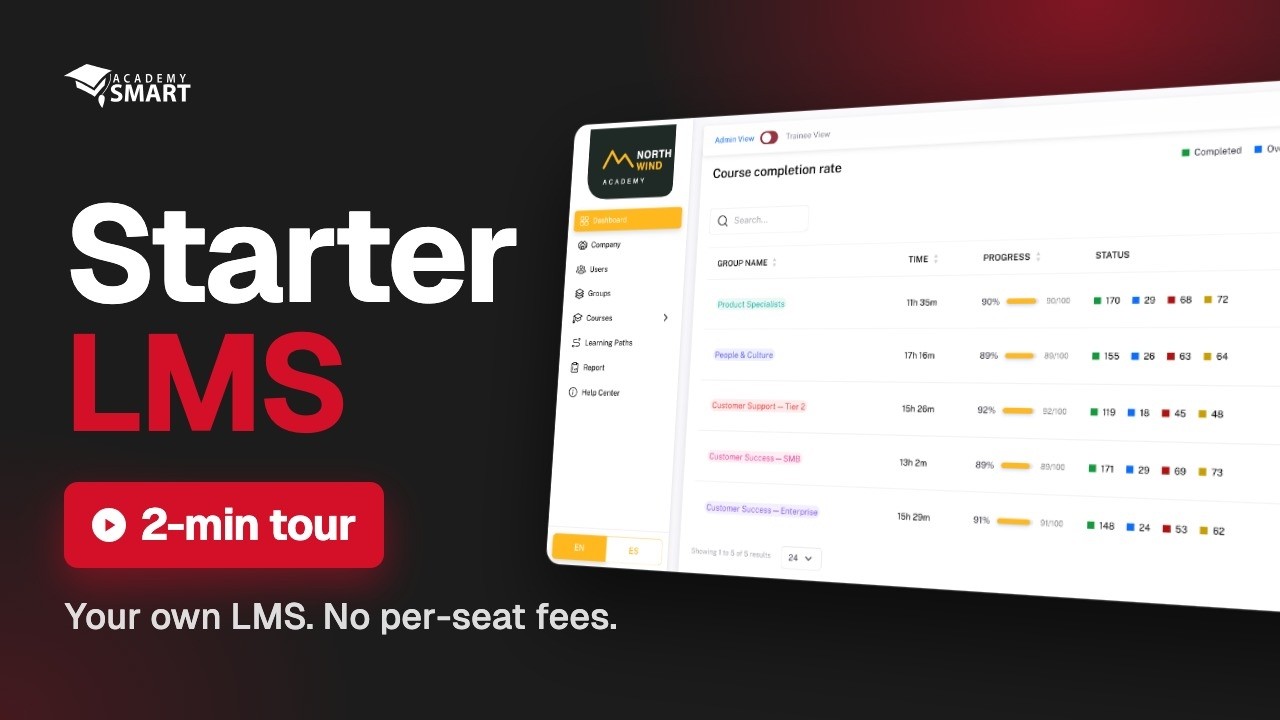
See CPD Dashboard on top of your LMS
Book a free demo and we’ll show how CPD or CE tracking would work for your organization.